
In the Portfolio app there is a function that add cards on Kanban boards that are linked to Jira items. In order to add these cards, a connection with the relevant Jira teams must first be established. Read here how to link with Jira.
- To add an item, click
Import from Jirain the top right menu.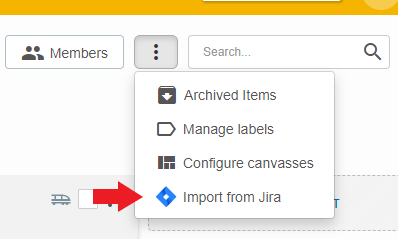
- Choose the intended Jira team.
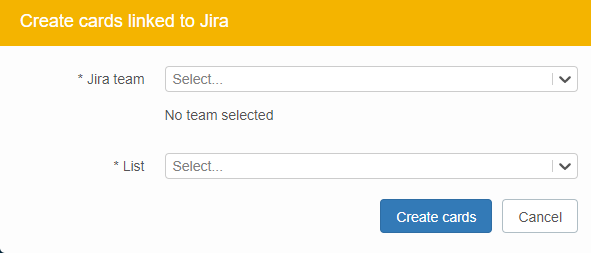
You will then see all tickets that are linked to this team.
You can also search by number or title of a Jira item. - Select the Jira item(s) that you want to import.
- Select the list in which you want to place the item(s).
- Click
Create cardsto import the cards.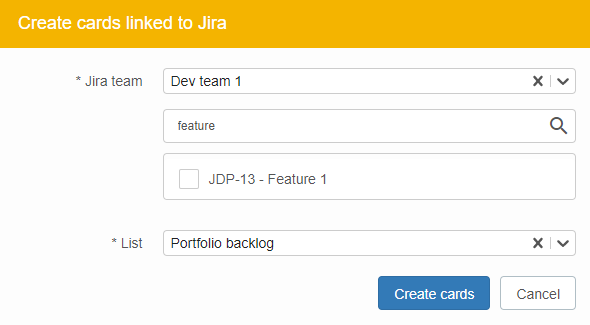
- The selected items will then appear in the selected lists on your Kanban board.

