Documentation Writing Style Guide
This guide describes how to write articles for the Knowledge Base.
It defines the structure, formatting rules, components, and conventions that every article should follow.
Article Structure
Every article should follow a consistent structure:
- Title
- Introduction
- Main Functional Sections
- Subsections with clear headings
- Best practices
- FAQ
- Support section
Headers & Hierarchy
Use headers to keep content structured and scannable.
| Level | Usage | Example |
|---|---|---|
# | Article Title | # My Portfolios |
## | Main Sections | ## Introduction |
### | Subsections | ### Filters and views |
#### | Deep subsections | #### Collapse of Portfolio subitems |
Rules:
- Always start with one # title.
- Do not skip hierarchy levels (e.g., no #### directly after ##).
- Add --- dividers between major sections.
Writing style
Capitalisation
| Capitalised | Example |
|---|---|
| App or feature names in FCC | Strategy app, Funnel tab, Kanban view, Field configuration |
| Referencing objects | Portfolio item, Skill, Model, Financial categories |
| Referencing buttons or selections | Click Add item |
| Regular Capitalisation | names, start of sentence |
| Not capitalised | Example |
|---|---|
| Using object names as regular nouns | It is a skill to ..., it is a risk to not add Risks in FCC |
Text Formatting
Bold
Use bold to highlight:
- Important terms
- UI labels
- Selection items
- Key concepts
Example: Navigate to the Project App.
Navigate to the **Project App**.
Inline Code
Use backticks for:
- Button-style commands
- UI labels meant to appear as code
- System actions
Example:
Click ⋮ menu.
Click `⋮` menu.
Notes, tips & warnings
Use Docusaurus admonitions for notes, tips, and warnings (preferred over blockquotes):
example:
This is an important note.
:::note
This is an important note.
:::
Available types: :::note, :::tip, :::info, :::warning, :::danger. Add an optional title in square brackets directly after the type, e.g. :::tip[Edit mode]. A title after a space (:::tip Edit mode) is not recognised and renders as plain text.
Linking to Other Articles
Use relative Markdown links to connected articles. Link other articles to reduce duplicate documentation. For example, link to the filters and views article, instead of explaining it again.
Example:
See [This page](../link/to/page).
Rules:
- Use clear, descriptive link text (no “click here”).
Embedding Self-Guides
To use embedded Selfguides, add import SelfguideEmbed from '@site/src/components/selfguide/SelfguideEmbed'; to the top of the markdown page.
Change the filetype from .md to .mdx. This allows you to add the import and use the Selfguide component.
Use the component (The ID is not provided so it will not work here):
<SelfguideEmbed id="UNIQUE-ID-HERE" />
Rules:
- Place self-guides directly under the related explanation.
- Each self-guide should be introduced with a short sentence describing what it covers.
Images
Use Markdown image syntax  to embed images with proper paths. Raw <img/> tags bypass Docusaurus's asset pipeline, so their src is never adjusted for the active locale's URL prefix and breaks on any non-default locale.
Example:
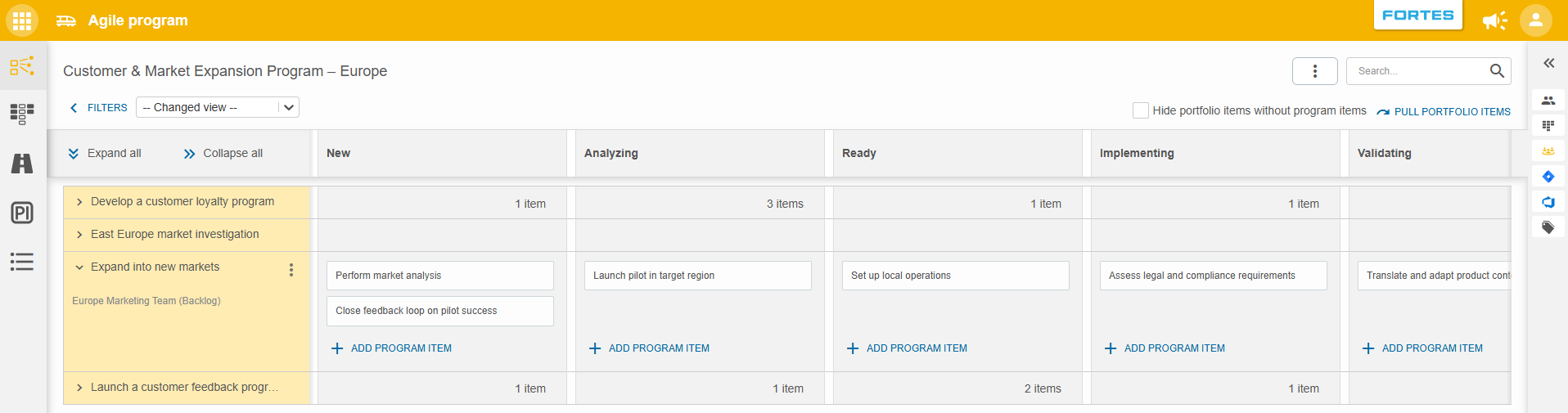
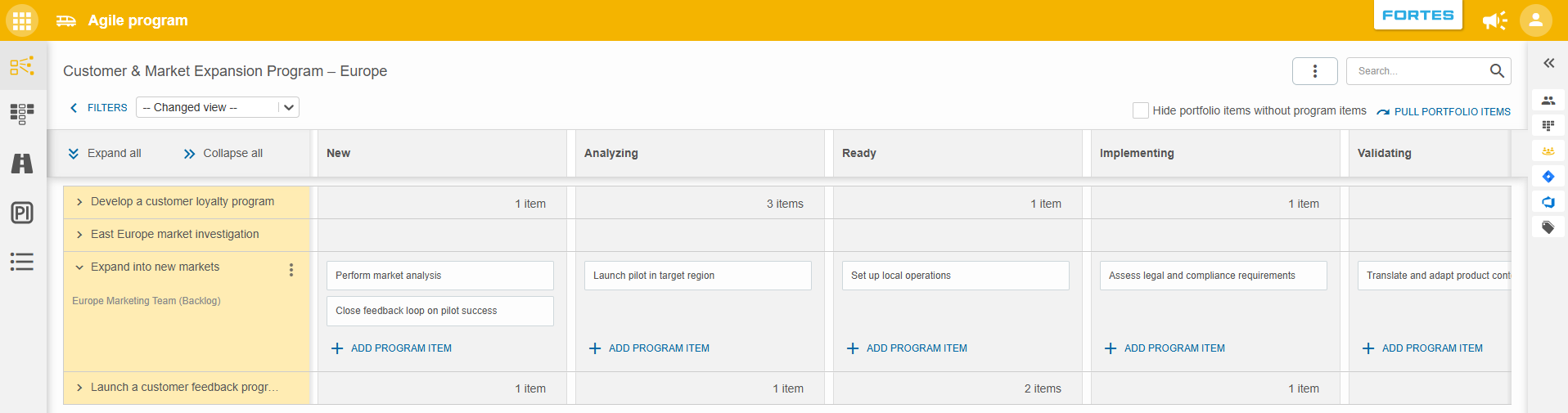
Rules:
- Always include an alt description (this improves SEO).
- Use absolute paths starting with /img/... (This is the place where we store the images).
- Keep image sizes consistent with other documentation.
Lists
Bulleted Lists
Use for unordered content.
Example:
- This is a first item
- This is a second item
  - This is a sub item
- This is a first item
- This is a second item
- This is a sub item
Numbered Lists
Use for step-by-step instructions.
Example:
- Open the menu.
- Select this item.
- Do something with this item.
- And something more.
1. Open the menu.
2. Select **this item**.
   1. Do something with this item.
   2. And something more.
Section Dividers
Use --- to separate major conceptual areas.
Example:
---
Rules:
- Always place a divider before each main section (##).
- Add a new line before and after the divider.
- Do not place dividers between small subsections unless they represent a major conceptual shift.
Writing Style & Voice
- Use short paragraphs.
- Prioritize clarity over completeness.
- Avoid passive language.
- Use present tense (“Click”, “Open”, “Select”).
- Assume the reader understands the product but not the functionality.
- Maintain consistent terminology across articles.