Documents
Introduction
The Documents tab in the Project app lets you store and update all project-related documents in one place so everyone with access to the project can find and open them.
For a full explanation of how documents and attachments work across FCC — including uploading, linking via URL, folders, notes, version history, and approval — see Documents and Attachments.
Project-specific details
Who can see documents in this tab? Anyone who has access to the project can see and open them.
Who uses it? Project managers and team members who upload files/links, add notes, organize folders, and manage approvals.
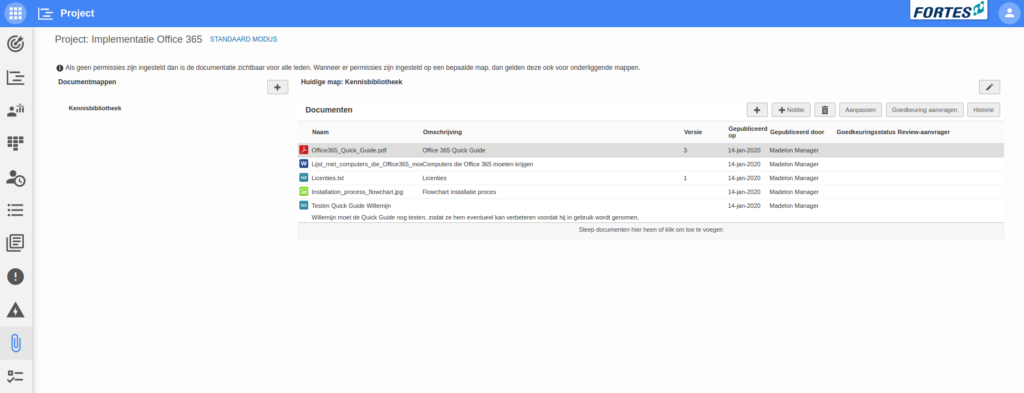
Documents from the Project Model
Documents placed on a Project Model are copied automatically to every project started from that Model. This is useful for templates and standard documentation that every new project should have from the start, without having to add them manually each time. See Use of Models for more on Project Models.
Need more support?
Contact your Fortes Change Cloud administrator or consult the online knowledge base for more step-by-step configuration guides.