Fortes Customer Support
Our Support Center staff resolve issues and answer questions about Fortes Change Cloud. Every request to the Support Center is registered as a ticket. A ticket can be an error, incident, enhancement request, or user question. Users with the correct permissions in your Fortes Change Cloud environment and administrators can create tickets via the Support Center and contact Support for assistance.
Conditions for receiving support:
- The application must be used according to its intended use.
- Reasonable cooperation must be provided to the Support Center to help resolve the ticket.
- If necessary, access must be granted to the systems in order to analyze and/or resolve the issue.
How do I contact the Support Center?
Before submitting a ticket, consult all available documentation (online or printed). If no solution is found, you can register a ticket online via the Support Center.
You can find the Support Center under the Support button. On the home page, click the question mark icon to open Support.
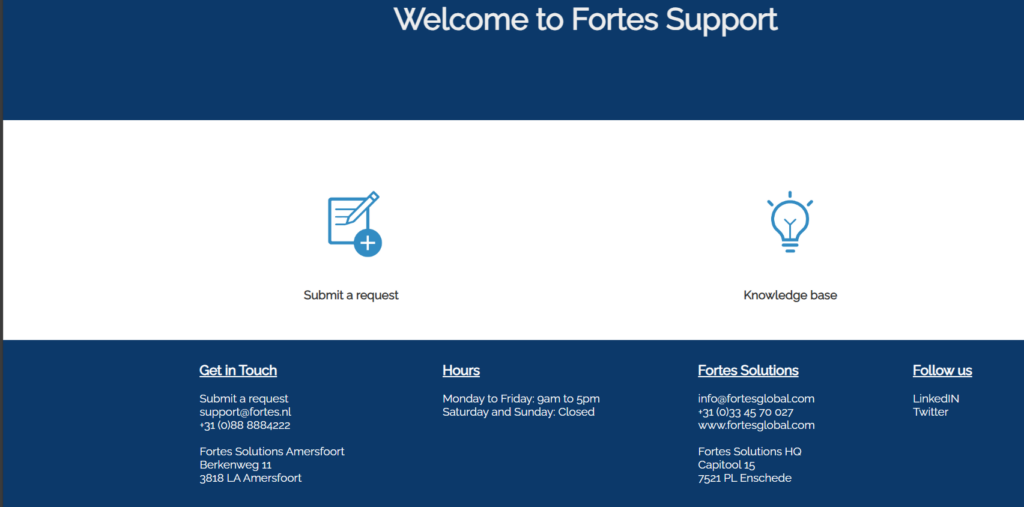
Click Submit a request to send your ticket to the Support Center. You’ll be asked a few questions to give Support a clear and complete picture of your request. Once completed, submit the ticket to the Support Center.
Who can contact the Support Center?
The Functional Administrator of your Fortes Change Cloud environment is the first line of support within your organization. When needed, they can register tickets with the Support Center. Responses from Support are sent through the ticket to the ticket reporter and any CC recipients.
In some organizations, a key user may also be responsible for registering tickets with the Support Center. Even if a user does not have administrator rights, it is possible to authorize that user for access to the Support Center.
How do I authorize a standard user for access to the Support Center?
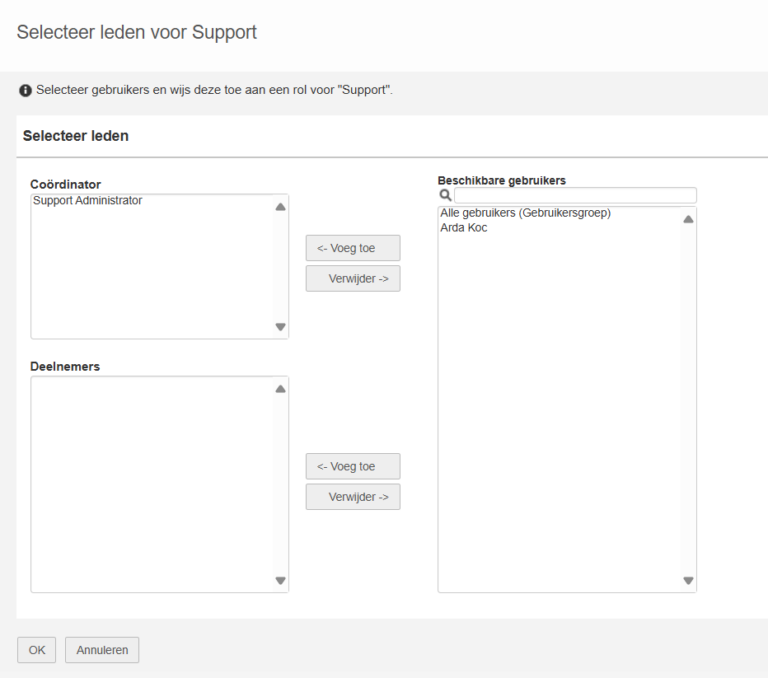
By default, standard users do not have access to the Support Center. A user with administrator rights can grant access from the home page via the Manage roles button.

There are two roles:
- Coordinator: Users with the Coordinator role can access the Support Center. They also have the authority to assign roles to other users.
- Participant: Users with the Participant role can access the Support Center.
Users with either of these roles have access to the Support Center and can view the organization’s tickets and create new tickets